
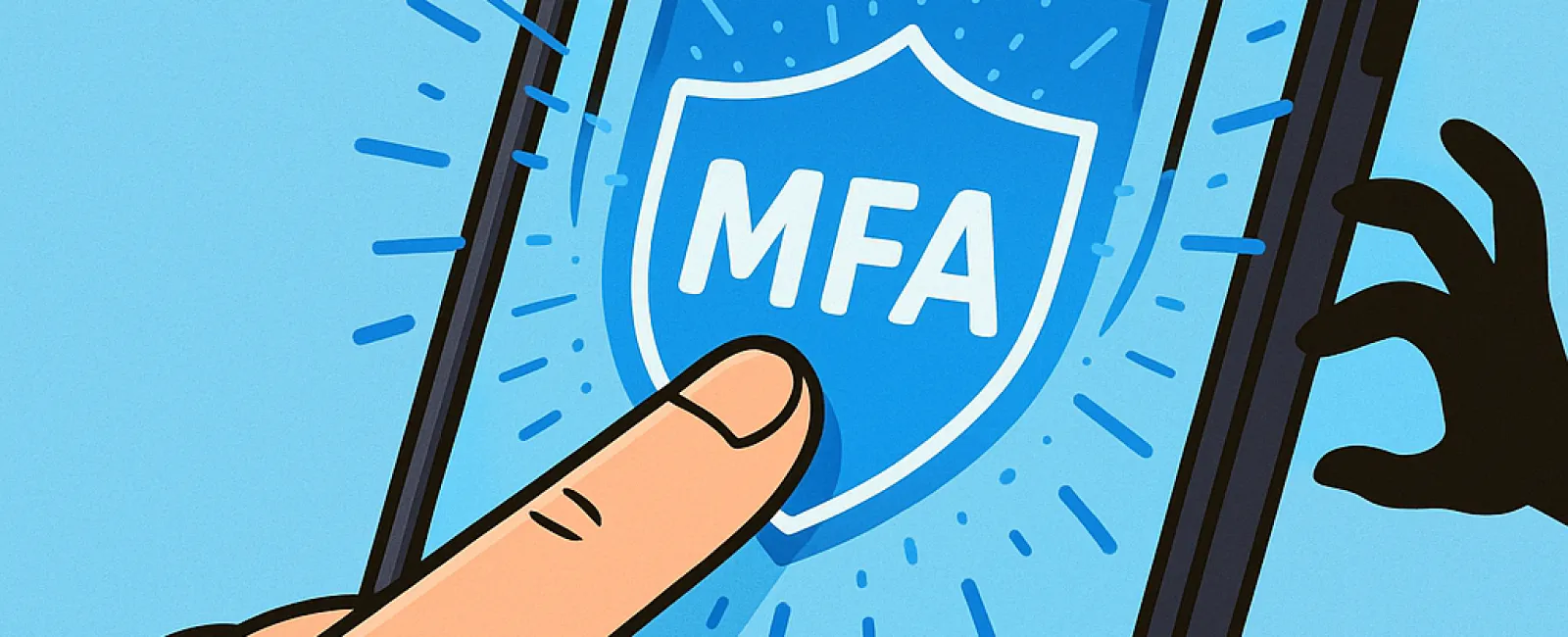
Just as you wouldn't drive without buckling your seat belt or leave your office unsecured overnight, you shouldn't go online without multifactor authentication (MFA).
MFA acts as an extra security barrier for your digital accounts. Instead of relying solely on a password—which can be stolen, guessed, or phished—it requires an additional verification step like a text message code, an authentication app, or a fingerprint scan. This means that even if someone hacks your password, they won't gain access without passing that second verification.
A Simple Step That Transforms Your Security
Think of your password as locking your front door; MFA is like activating a sophisticated alarm system. While your password guards the entry, MFA ensures there's a backup layer protecting your data if the password is compromised. Adding this extra step guarantees a significantly higher level of protection with minimal effort.
MFA, also known as "two-step verification," "two-factor authentication," or "one-time password," requires you to confirm your identity with two or more forms of verification before you can access sensitive information.
Various methods include confirmation emails when creating accounts, security questions, text codes, push notifications, and phone call verifications. Most of these take just a tap or a quick input to complete.
How MFA Protects You in Real-Life Scenarios
Although MFA is easy for you—just a quick click or code entry—it creates formidable obstacles for hackers. If someone tries to access your account without permission, MFA will immediately notify you or require a code, alerting you to unauthorized attempts so you can promptly change your password and avoid having your data stolen.
Even if a hacker deceives an employee into sharing login details, MFA prevents access without the additional verification step. In fact, Microsoft reports that enabling MFA decreases the risk of account compromise by over 99.2%, reaching 99.99% protection when MFA is fully activated.
Where and How to Enable MFA
Prioritize activating MFA on these crucial platforms:
- Online banking and financial services
- Email and cloud storage accounts
- Social media profiles
- Work-related systems containing proprietary or client information
Setting up MFA is usually quick and straightforward. Many popular platforms include built-in MFA options; simply activate the one that suits you best and integrate it into your daily routine. Using an authenticator app can significantly increase security for staff logins.
In summary, enabling MFA is a fast, cost-free method to defend against the majority of account breaches. Investing a few minutes now can save you from potentially months or years of costly recovery and data loss later.
The easiest way to implement MFA is by consulting your IT provider. An experienced MSP can streamline the process for you. If you need expert cybersecurity assistance, click here or call us at 832-536-9012 to schedule a Discovery Call with our team today.


