
Imagine being three hours into a five-hour drive to visit family during the holidays when your daughter asks, "Can I play Roblox on your laptop?" Your work laptop—the one holding sensitive client files, financial data, and full access to your business. You're tired from packing, still have hours to go, and truthfully, keeping her entertained sounds tempting. But what are the risks?
Holiday travel introduces unique security challenges you don't encounter in your daily routine. You're often distracted, fatigued, connecting to unsecured networks, and juggling family time with quick work check-ins. Whether your trip is for business, leisure, or a mix of both, here's how to safeguard your data without spoiling the festive spirit.
Pre-Trip Prep: Quick 15-Minute Security Boost
Before you hit the road, dedicate 15 minutes to these essential security steps:
Device Essentials:
- Ensure all security updates are installed
- Back up crucial files to a trusted cloud service
- Set your device to auto-lock within two minutes
- Enable "Find My Device" on all phones and laptops
- Charge your power banks fully
- Bring your own charging cables and adapters
Talking With Your Family:
- Clarify which devices kids are allowed to use
- Provide a dedicated family device, like an iPad, for entertainment
- Create restricted user profiles on your laptop if children need access
Pro tip: Carry a tablet not linked to work accounts for your kids' device time during travel. A budget-friendly device beats the cost of a data breach.
How to Use Hotel WiFi Without Putting Your Data at Risk
After arriving at the hotel, everyone quickly connects their devices to the WiFi—phones, laptops, tablets, gaming consoles. Your teenager streams Netflix while you try to finalize that important work proposal.
The issue? Hotel WiFi is a shared network among hundreds of guests, some of whom may be looking to exploit vulnerabilities.
Real-life example: A family connected to a fake network mimicking the hotel's WiFi. Over two days, their online activities—including passwords and credit card info—were intercepted.
Safeguard Yourself By:
Confirming the exact network name with hotel staff—never guess.
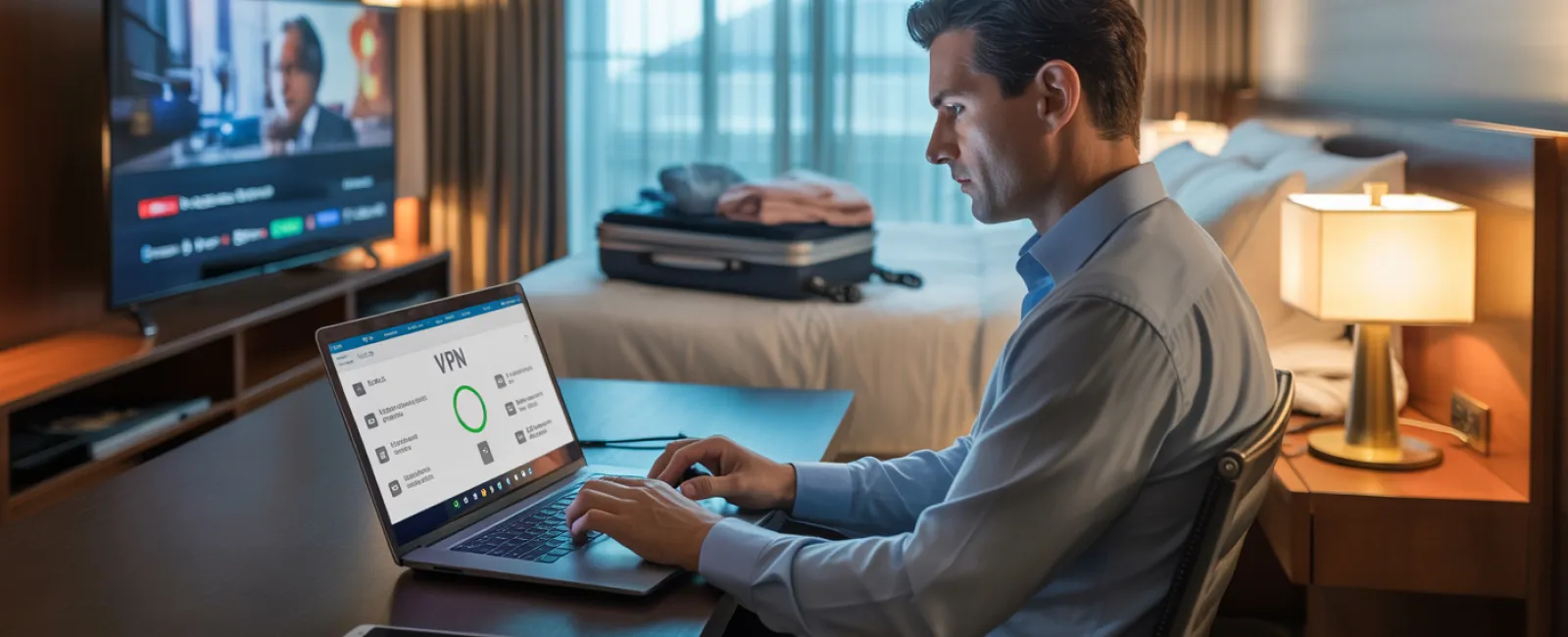
Using a VPN for work-related tasks to encrypt your connection.
Switching to your phone's hotspot for sensitive activities like banking or accessing confidential data.
Separating work from entertainment: Let kids stream on hotel WiFi, but use your secure hotspot for business activities.
Handling "Can I Use Your Laptop?" During Travel
Your work laptop contains everything important—emails, financial info, client files. Kids might want to play games or watch videos, but this can jeopardize your security.
Why it matters: Children can inadvertently download malware, click on unsafe links, share passwords, or forget to log out, exposing your work device to risks.
Recommended Approach:
Keep work devices off-limits: Politely but firmly say, "This is my work laptop, but you can use [alternative device]." Consistency is key.
If sharing is unavoidable:
- Set up a restricted user account
- Monitor their activities
- Block downloads
- Don't save passwords for them
- Clear browsing history after use
Even better: Bring a separate family device for travel, like an older tablet or laptop that doesn't sync with your business accounts.
Streaming on Hotel Smart TVs: Don't Forget to Sign Out
Watching Netflix on the hotel smart TV? If you log into your account and forget to log out before checkout, the next guest gains access to your profile and viewing history.
Worse yet: If you reuse passwords across accounts (hopefully not!), your other profiles could be vulnerable.
How to Avoid This:
- Use your personal device and cast to the TV for safer viewing
- If using the TV's login, set a reminder to log out before departure
- Better still, download shows on your device before traveling to avoid using hotel TVs
Avoid logging into these on public TVs:
- Banking apps
- Work accounts
- Email
- Social media
- Any service with saved payment info
Lost Device? Here's What To Do Immediately
Holiday travel can be hectic, and devices occasionally get misplaced—in restaurants, hotel rooms, rental cars, or airports. If your device goes missing…
First Hour Action Plan:
- Use "Find My Device" to locate it
- If retrieval is impossible, remotely lock the device
- Change passwords for essential accounts using another device
- Alert your IT support or managed service provider to revoke system access
- If sensitive business data was stored, inform affected clients or partners
Set Up Your Device Before Traveling With:
- Remote tracking enabled
- Strong password protection
- Automatic data encryption
- Ability to perform a remote wipe
If a family member loses a device, apply these same steps immediately.
Beware the Rental Car Data Trap
When you connect your phone to a rental car's Bluetooth to play music or use navigation, the car stores your contacts, recent calls, and sometimes text previews.
Sadly, this data often remains accessible for subsequent drivers.
Quick 30-Second Clean-Up Before Returning the Car:
- Remove your phone from the car's Bluetooth devices list
- Clear recent GPS destinations
- Or skip Bluetooth altogether by using an aux cable or offline options
Balancing Work and Vacation: Protecting Boundaries
You promised family time but find yourself checking email repeatedly, taking calls, and working on your laptop while others enjoy activities.
This constant switch between work and leisure reduces your security awareness, increasing chances of mistakes like clicking suspicious links or trusting unsafe networks.
Practical advice: If unplugging fully isn't possible, establish firm limits:
- Schedule work email checks only twice daily
- Use your phone's hotspot for work, avoiding hotel WiFi
- Work privately in hotel rooms instead of public areas
- Stay fully engaged with family when off work
Ultimately, the best security move is to take a real break—your business won't collapse in a week, and your minds will stay sharper when rested.
Mastering the Holiday Travel Security Mindset
Mixing work and family during holiday travel is challenging. Sometimes your child really needs your laptop; sometimes an urgent email demanding attention interrupts the drive. That's life.
Your goal isn't perfection but smart risk management:
- Prepare your devices thoroughly pre-trip
- Distinguish between high- and low-risk activities
- Create clear separations between work data and family fun where possible
- Have contingency plans ready
- Learn to firmly say, "Not on this device," and mean it
Enjoy a Secure, Stress-Free Holiday
The holidays are for creating cherished memories—not handling data breaches or explaining security failures to clients.
With thoughtful preparation and simple rules, you can protect your business while keeping the vacation joyful. Your family gets their holiday joy, and your data stays secure. Everyone wins.
Need expert help establishing travel security protocols for your team and yourself? Click here or call us at 832-536-9012 to schedule a complimentary Discovery Call. We'll build practical strategies that protect your business without complicating travel.
After all, the best holiday memory shouldn't be: "Remember when Dad's laptop got hacked?"


